


A person obtains the right to drive a car only after completing training at a driving school and passing an exam. Upon successful completion of the exam, a driver's license is issued. In Ukraine, this document is valid in two formats: physical and digital. To use the digital version, the license must be displayed in the Diia app. However, there are sometimes situations where the document is not available in the digital portal. Therefore, the question of why this happens and how to add a license to Diia is highly relevant for drivers.
How to add a driver's license to Diia
Driver's licenses issued after 2013 are automatically displayed in Diia, provided the document is entered into the Ministry of Internal Affairs (MIA) registry. There is no need to separately scan, photograph, or upload it. To use digital driver's licenses, it is sufficient to simply install the Diia app on a smartphone. This is easy to do:
- Find the app in the App Store or Play Market (for Android phones) and download it to your smartphone.
- Go through authorization and confirm your identity using an available method.
- Go to the "Documents" section in Diia and check if the driver's license is there.
It is worth noting that licenses issued before 2013 may be absent from the modern electronic registry and therefore do not sync with the app. In this case, you can add an old-format license to Diia yourself. However, to do this, you need to update the information through an MIA Service Center or apply to a regional service center electronically. Once the data is entered into the registry, the license will automatically sync with Diia.
It is important to note that it is impossible to add a license simply by scanning or taking a photo. The digital portal receives data directly from state registries, so if the document is not there, it cannot be added manually.
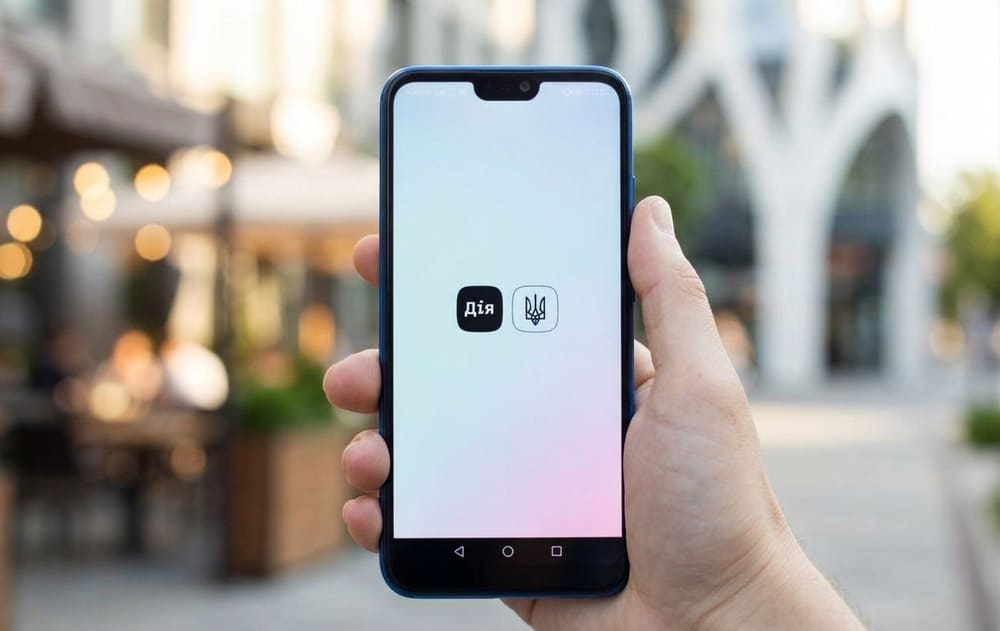
What to do if the license in Diia requires verification
If a message appears in the app stating that the license needs to be verified, it indicates that the information about the document could not be confirmed in the MIA registry. In such situations, it will not be possible to add the driver's license to Diia manually, and you need to clarify the data through the Electronic Driver's Cabinet.
To complete the verification, you need to:
- log in to the Electronic Driver's Cabinet;
- open the "Clarification of information in the license registry" section;
- indicate that document verification is required;
- fill out the application;
- attach a photo of the driver's license from both sides;
- send the application to the MIA Service Center.
The status of the application processing can be viewed on the "Ordered services" page in the Electronic Driver's Cabinet. The review may take up to 4 weeks. After the application is processed, the data will be displayed in Diia and the e-Cabinet within 48 hours.
For licenses issued before 2013, a personal visit to the MIA Service Center may be required if there is no information about them in the electronic registry.
Why might the document not be displayed in the app?
Many people think that it is enough to get a license and it will immediately be displayed in Diia. Usually, this is the case, but sometimes the document does not sync automatically. The main reason is the lack of data in the MIA registry or a mismatch in the user's information. This can happen in the following situations:
- old-format licenses (issued before 2013);
- incomplete or incorrect information in the registry;
- the need for verification.
To add the license to Diia, you need to resolve the problem that is preventing it. That is, you should undergo verification or submit an application to update the data in the registry.
How to add old-format driver's licenses to Diia
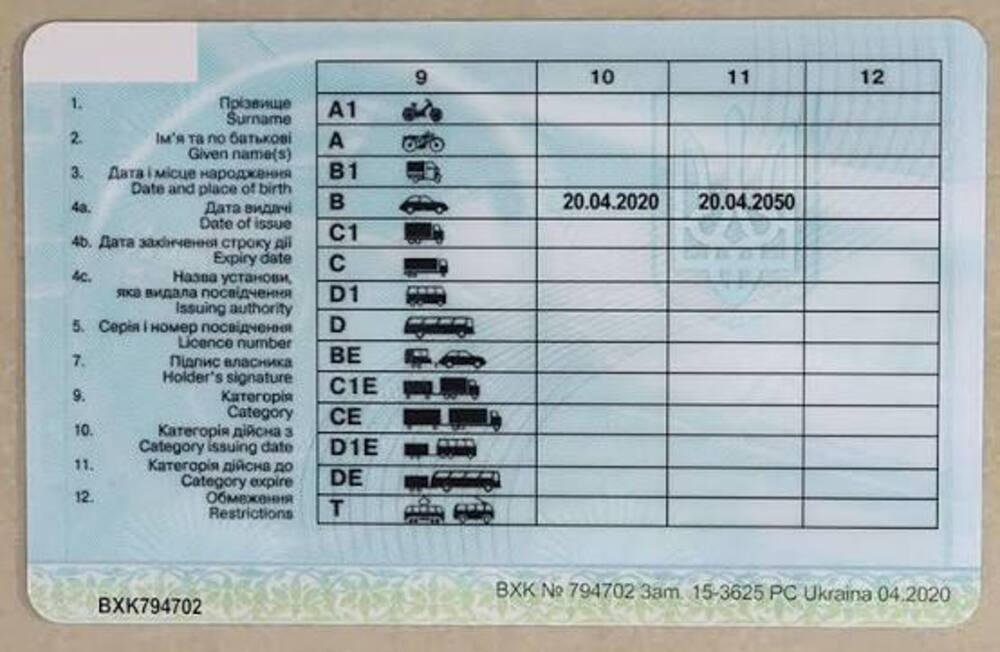
Licenses issued before 2013 may not be displayed in the digital portal if information about them is missing from the electronic state registry of the MIA. This happens quite often, especially if the license was obtained a long time ago.
For the document to sync with Diia, you need to clarify the license details and enter them into the Unified State Registry of the MIA. To do this, the owner should contact the regional MIA Service Center in the region where the license was originally issued. You will also need to provide copies of several documents:
- ID card;
- driver's license (both sides);
- document confirming place of residence registration;
- Tax Identification Number (TIN).
The application can be submitted electronically or by mail. In the first case, you need to sign the document with an electronic signature and provide high-quality scanned copies of the documents. When sending by mail, the copies should be certified by hand.
Are tractor driver's licenses available in Diia?
Special equipment drivers are also required to carry their licenses, and it is, of course, convenient if it is displayed along with other documents in the app. However, this document is issued by the territorial body of the State Service of Ukraine on Food Safety and Consumer Protection, not by an MIA service center, and is not included in the list of forms accounted for through the MIA registries. Because of this, tractor driver's licenses do not currently sync automatically in Diia, even if they were obtained after 2013. However, you can already get information about the issuance of this document through the Diia guide. It is also expected that such licenses will be digitized and will sync with the app in the future, so it is worth keeping an eye on legislative updates.
